
YouTube Go
Tools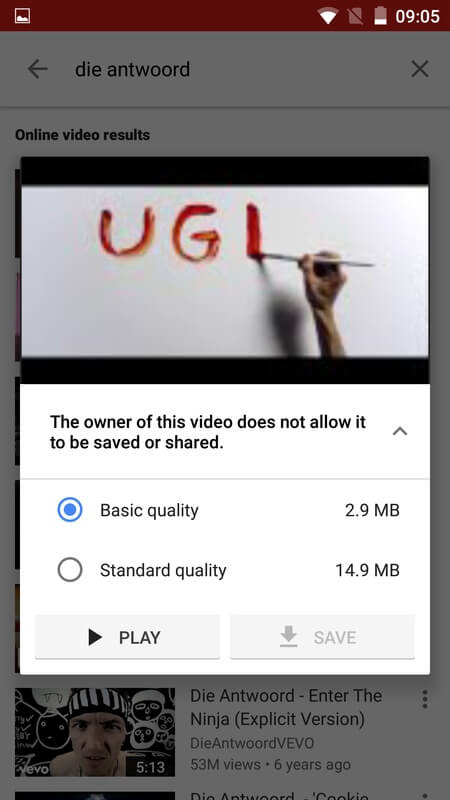
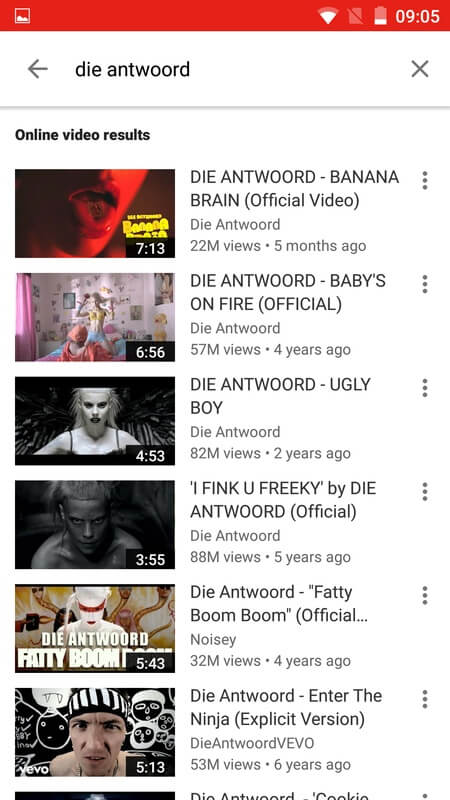
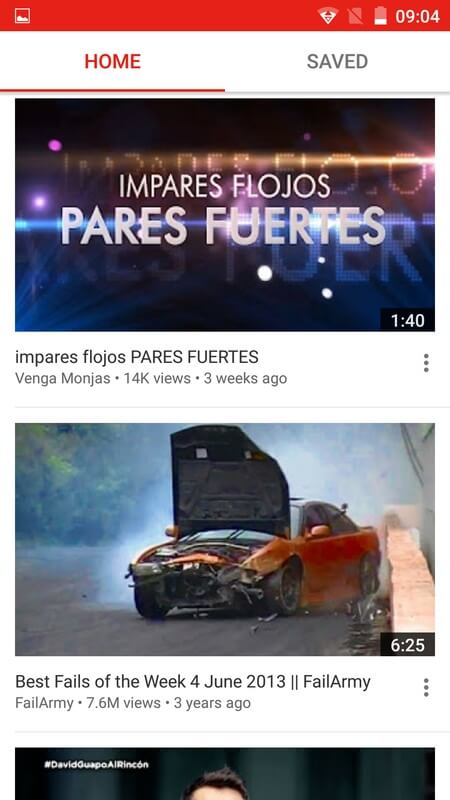
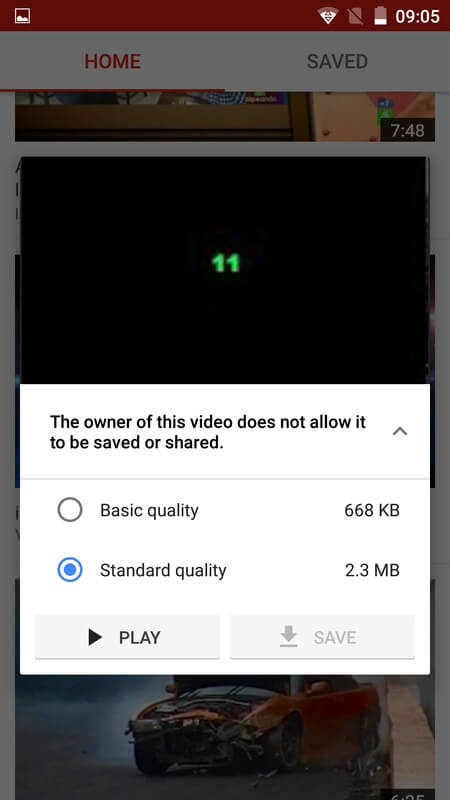
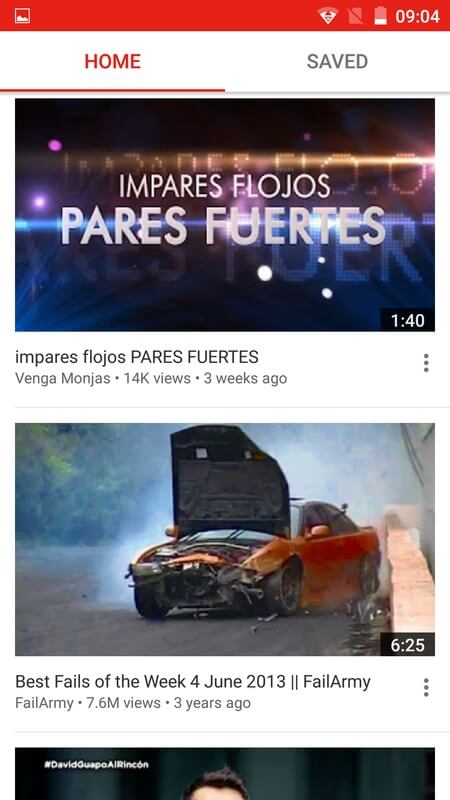

YouTube Go is a lightweight version of the popular video platform, designed for users who want to control data usage while still accessing YouTube content. It lets you preview video size before watching, download clips for offline viewing, and switch between Wi‑Fi and mobile data with clear limits.
This page provides the official APK details, a step‑by‑step install guide, common troubleshooting tips, and safety considerations. All information reflects the latest release as of June 12 2023.
Quick Information
| App/Game Name | YouTube Go |
| Latest Version | 3.25.54 |
| Developer | Not listed |
| Category | Apps / Tools |
| App Size | 41MB |
| Package Name | com.google.android.apps.youtube.mango |
| Last Updated | 12 June 2023 |
What Is YouTube Go?
YouTube Go targets Android devices in regions where bandwidth is costly or limited. The app offers a simple interface that shows how much data each video will consume, allowing you to choose lower‑quality streams or download videos for later playback. It is useful for commuters, travelers, or anyone on a restricted data plan.
Core features include:
- Data‑aware video previews before playback.
- Offline download with selectable file size.
- Quick sharing of video links without opening the full YouTube app.
The app does not replace the full YouTube experience; it lacks background playback and some advanced recommendation algorithms.
Compatibility
| Android Version | Not Verified |
| Architecture (ARM64 / 32-bit) | ✓ Verified — Supports common device architectures |
| Internet Connection | ✓ Verified — May be required for ads, updates, or login |
| Storage Needed | Not Verified |
| OBB/Data Files | Not Verified |
| Root Required | Not Verified |
How to Install
- Enable installation from unknown sources in Settings → Security (or Settings → Apps & notifications → Special app access → Install unknown apps for Android 8+).
- Download the YouTube Go APK file to your device.
- Open the downloaded file and tap Install.
- Once installation finishes, launch the app from the app drawer.
- If prompted, grant storage permission so the app can save offline videos.
Troubleshooting
- App not installed: Verify the APK matches the device’s architecture (ARM/ARM64). Clear any previous partial installations and retry.
- Crashes on startup: Ensure the device runs Android 5.0 (Lollipop) or newer. Updating Google Play Services can resolve compatibility hiccups.
- Download or playback fails: Check that the app has storage permission and that enough free space exists for offline files.
- Login or account issues: YouTube Go uses the same Google account as the main YouTube app. Sign in through the app’s settings if you encounter authentication errors.
Safety & Security
Because this is an APK file obtained outside the official Play Store, verify the source before downloading. Scan the file with a reputable antivirus app and review the permissions it requests. The app primarily needs access to storage and network; be cautious if it asks for unrelated permissions such as contacts or SMS.
Keep in mind that future updates from Google may not be compatible with a manually installed version, and you might need to reinstall the latest APK to stay functional.
How YouTube Go Compares
| Feature | YouTube Go | YouTube (standard) | TikTok |
|---|---|---|---|
| Price / Free model | Free with ads | Free with ads (optional Premium) | Free with ads (optional subscription) |
| Platform availability | Android only | Android, iOS, Web | Android, iOS, Web |
| Standout feature | Data‑aware previews & offline download size control | Full library, background play, recommendations | Short‑form video feed, algorithmic discovery |
| Best for | Users on limited data plans | General YouTube consumers | Quick entertainment and viral content |
Alternatives
YouTube (standard) – Offers the complete YouTube experience, including background playback and personalized recommendations, but consumes more data.
NewPipe – An open‑source Android client that also focuses on low‑data usage and offers background playback without Google services.
Vimeo – Provides ad‑free video streaming with a focus on high‑quality creative content; data usage is comparable to standard YouTube.
TikTok – Ideal for short, mobile‑first videos; the app includes a data‑saving mode but is not designed for longer YouTube‑style content.
Final Verdict
YouTube Go is a practical solution for Android users who need to watch YouTube videos while keeping data consumption under control. It works well on most modern devices, but it lacks some premium features of the full YouTube app. Before installing, verify the APK source, grant only necessary permissions, and be prepared to reinstall after major updates.
Frequently Asked Questions
Only install the APK from a trusted source, scan it with an antivirus, and review the permissions it requests before proceeding.
YouTube Go runs on Android 5.0 (Lollipop) and newer, though newer versions provide a smoother experience.
Yes, the app lets you download videos at a size you choose, so you can watch them later without an internet connection.
This usually means the APK is incompatible with your device’s CPU architecture or a previous incomplete installation is blocking the new one.
It works on both, but it shows the data cost of each video, helping you decide whether to stream or download on mobile data.
Yes, the two apps have different package names, so they can coexist on the same device without conflict.
Official updates are released separately; a manually installed version may need to be re‑downloaded after a major change from Google.
A Google account is optional for basic viewing, but signing in lets you access your subscriptions and saved downloads.